


Domain Registration Best Practices
Domain registration is an ownership and security responsibility. The important decisions are who controls the registrar account, how recovery works, how renewal is protected, and whether unauthorized transfers or DNS changes can be stopped.
If the extension is still being chosen, compare geographic meaning, registry rules, renewal pricing, and user expectations in the top-level-domain guide.
Choose a Registrar for the Full Ownership Period
Compare registrars using the normal renewal price and operational features, not only an introductory discount.
- Accreditation and reputation: For generic top-level domains, confirm the provider is an ICANN-accredited registrar or clearly identifies the registrar it resells. ICANN maintains a registrar accreditation directory you can search by name.
- Account security: Prefer strong two-factor options, login alerts, transfer controls, and clear recovery procedures.
- Renewal transparency: Review renewal, redemption, privacy, transfer, and premium-domain fees.
- DNS control: Check whether you can manage records, DNSSEC, nameservers, and access permissions without unnecessary support tickets.
- Support and escalation: Understand how ownership, compromise, billing, and transfer disputes are handled.
ICANN explains the roles involved and the questions to ask in its guide to registering a domain name.
Secure the Registrar Account
- Use a unique password stored in a reputable password manager.
- Enable app-based, hardware-key, or passkey authentication where supported; SMS is better than no second factor but is more vulnerable to number takeover.
- Protect the email account used for registrar recovery with equally strong security.
- Enable login, contact-change, DNS-change, and transfer notifications.
- Remove former employees, agencies, sellers, and unused API keys immediately after a handover.
Use the Right Domain Locks
Locks prevent unauthorized changes, but they are not all the same. Understanding which lock does what—and when each applies—avoids surprises during transfers, sales, or contact updates.
The default anti-transfer control (clientTransferProhibited). The registrar sets this EPP status code to prevent transfer-out requests until the registrant explicitly unlocks.
A premium service offered by some registries and enterprise registrars (serverTransferProhibited, serverUpdateProhibited, serverDeleteProhibited). Changes require out-of-band verification—typically a phone call or signed request—before the registry lifts the lock.
Under ICANN's Transfer Policy, a new registration or inter-registrar transfer can trigger a 60-day window during which the gaining registrar may deny outbound transfer requests. A change to the registrant contact can also start a separate restriction period.
Watch for: Updating registrant name or organization before a planned sale or transfer can delay the transaction.Before changing ownership details or planning a sale, ask the registrar whether the change will trigger a transfer restriction. ICANN's Transfer Policy documents the baseline rules for transfers between registrars, but providers may apply additional security procedures.
Keep Registrant and Recovery Data Accurate
- Use an email address that is controlled independently of the domain being registered.
- Keep registrant and administrative details accurate even when public data is redacted or protected by privacy services.
- For companies, register the domain in the organization's account—not a founder's personal account or an agency's account.
- Maintain at least two authorized administrators and a documented recovery process for valuable portfolios.
- Store invoices, purchase agreements, escrow records, and transfer confirmations.
How Do You Prove Domain Ownership?
Ownership disputes, account recovery, and registrar support requests often require evidence that you are the legitimate registrant. No single document is universally accepted, but stronger evidence makes resolution faster.
- Original registration confirmation: The receipt or email from the registrar at the time of purchase or transfer.
- Billing records: Invoices, credit-card statements, or PayPal receipts showing recurring renewal payments.
- Escrow and marketplace records: Purchase agreements, escrow.com transaction receipts, or auction confirmations when the domain was acquired from a previous owner.
- Historical RDAP/WHOIS: Archived registration records showing your name, organization, or email as registrant before a dispute began.
- DNS control: Ability to set a verification TXT record on demand—sometimes used by registrars and dispute panels as live proof of control.
Keep these records outside the registrar account itself. If you lose access to the account, the evidence stored inside it becomes inaccessible at the worst possible time.
Understand Privacy and RDAP
Registration-data privacy can reduce public exposure of personal information, but it does not replace accurate underlying data. Public visibility varies by registrar, registry, domain extension, and applicable law. Use ICANN Lookup to review the public RDAP response and domain status codes.
Privacy generally does not need to be disabled simply to transfer a domain; follow the losing and gaining registrars' current instructions. Avoid publishing personal contact details solely because an outdated checklist says it is required.
Reading EPP Status Codes
Every gTLD domain has one or more Extensible Provisioning Protocol (EPP) status codes visible in its RDAP record. These codes describe what the domain can and cannot do right now.
No restrictions. The domain can be transferred, updated, or deleted normally.
Note: This code disappears when any prohibit code is set.The registrar has locked outbound transfers at the registrant's request.
Action: Unlock at the registrar before starting a transfer.The registry has locked transfers. Usually part of a registry lock service or a dispute hold.
Action: Contact the registrar for the registry-lock removal procedure.The domain does not resolve in DNS. Often set after expiration, a billing issue, or an abuse complaint.
Action: Resolve the underlying issue with the registrar or registry before the domain can function.A transfer is in progress. The losing registrar has a window to approve or deny.
Action: Monitor both registrar accounts and respond to confirmation emails promptly.The domain was deleted and is in a grace period during which the original registrant can restore it—usually at an extra fee.
Action: Contact the registrar immediately to restore before the domain enters pendingDelete.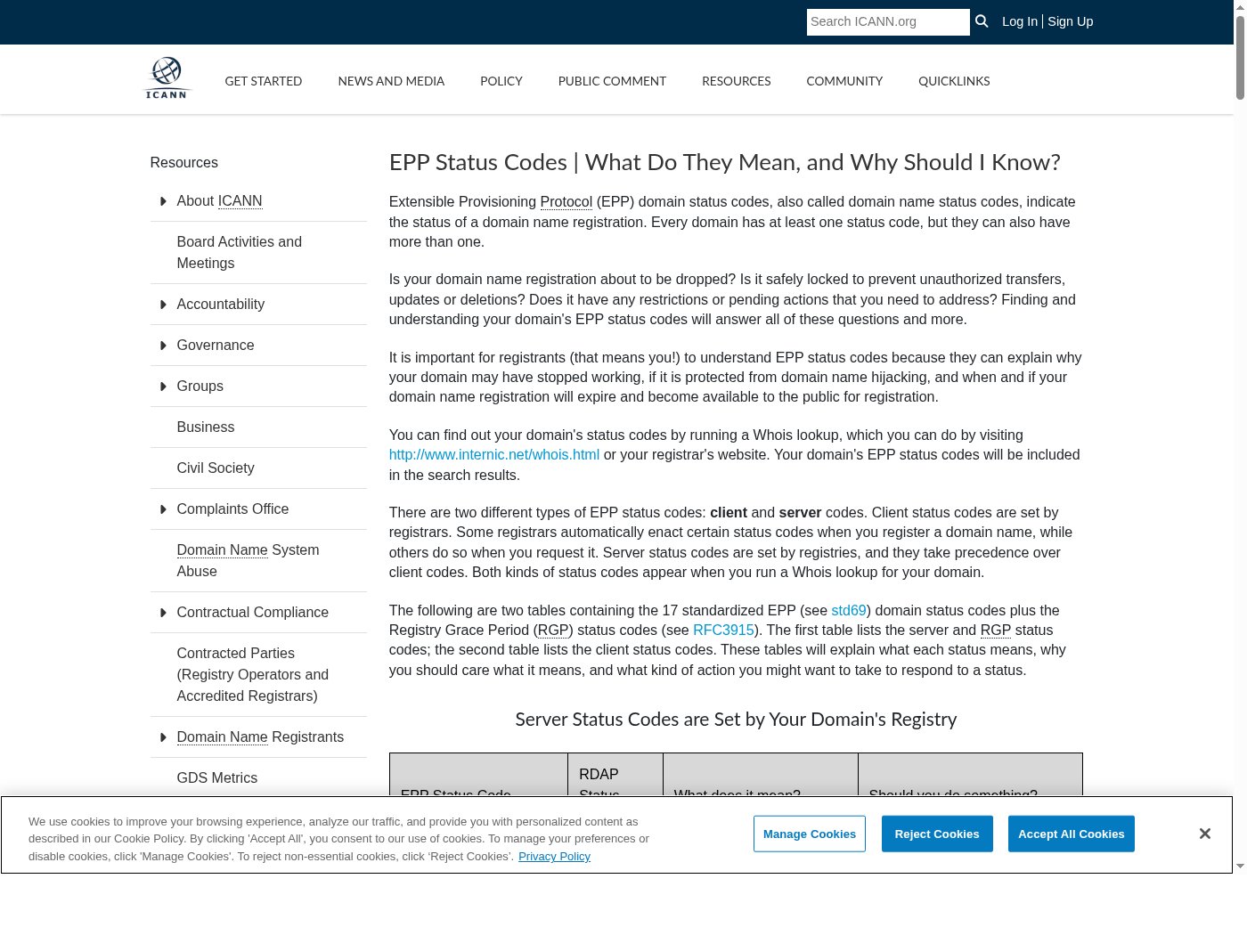
Query ICANN Lookup or your registrar's RDAP endpoint to see current status codes for any domain you manage. Unexpected codes—especially serverHold or a prohibit you did not request—are worth investigating immediately.
Protect Against Accidental Expiration
Enable it for domains you intend to keep.
Also verify: The payment method and account balance remain valid.Track expiration outside the registrar account.
Also verify: Alerts reach more than one responsible person.Can reduce near-term renewal risk.
Does not replace: Account security, monitoring, or valid contact information.Review renewals, nameservers, locks, and contacts on a schedule.
Also verify: Every domain still has an owner and business purpose.Registering for additional years can reduce operational renewal risk, but it does not create a ranking bonus. The domain-age guide separates registration history from useful content, links, and performance.
Configure DNS Safely
- Lower TTL values before a planned migration, then restore sensible values afterward.
- Use least-privilege access for DNS providers and deployment tools.
- Enable DNSSEC when the registrar, registry, and DNS provider support it and your team can maintain the configuration correctly.
- For email, configure SPF, DKIM, and DMARC according to the actual sending services. The email-reputation guide covers authentication setup after acquisition.
- Keep a tested export or written record of critical DNS entries before major changes.
After Buying or Transferring a Domain
- Confirm the domain appears in the correct account and organization.
- Replace seller or broker contacts, recovery methods, nameservers, forwarding rules, and API access.
- Enable locks, auto-renewal, alerts, and two-factor authentication.
- Check current RDAP status codes and record the next expiration date.
- Verify web, email, certificate, and DNS behavior before removing old services.
See the domain-transfer guide for the transfer sequence and common delays.
Registration Mistakes to Avoid
- Registering a company domain in an employee, developer, or agency account
- Using the domain's own mailbox as the only recovery address
- Assuming auto-renewal works without checking payment failures
- Sharing one registrar login across a team
- Changing contacts immediately before a time-sensitive transfer without checking lock implications
- Leaving unused DNS records, former administrators, or seller API access active
- Ignoring EPP status codes after a transfer or registrant change—unexpected holds or prohibits can silently break DNS resolution
Primary Sources
- ICANN: Registering a domain name
- ICANN: Transfer Policy
- ICANN: Registrar accreditation
- ICANN Lookup (RDAP)
- ICANN: EPP status codes